


UX/UI design • App Development • Back-end Development
A product that your users will fall in love with

With professional knowledge in the area of User Experience (UX) and User Interface (UI) design, Dutch Coding Company ensures that your product has a professional appearance, feels intuitive, and is frictionless in its use. Do you want to improve your retention and customer satisfaction? Investigate how the UX and UI of your product perform!
Curious about what improvements are possible for your digital product? Have a UX/UI audit conducted by Dutch Coding Company!
User Interface (UI) Design includes everything in your product that the user can see and interact with. An attractive and clear interface can make your users fall in love with your product, while a confusing and outdated interface might deter users.
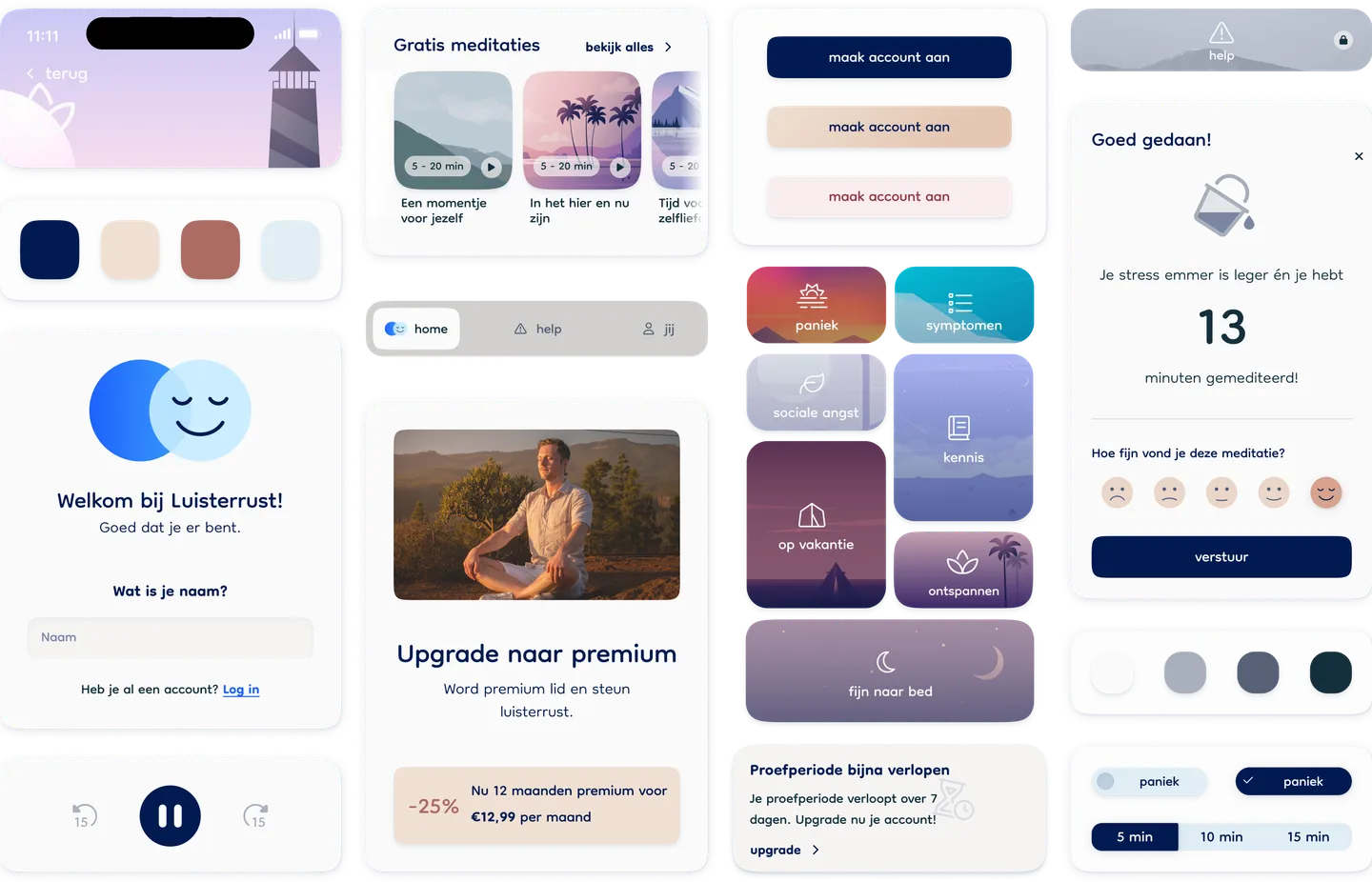
User Experience (UX) Design is a broader topic than UI design. It is all about how well a product as a whole solves the problems of the user, and how easily the functionalities of a product are found and understood. The UX design process has already started when the first sketches of a product are made.
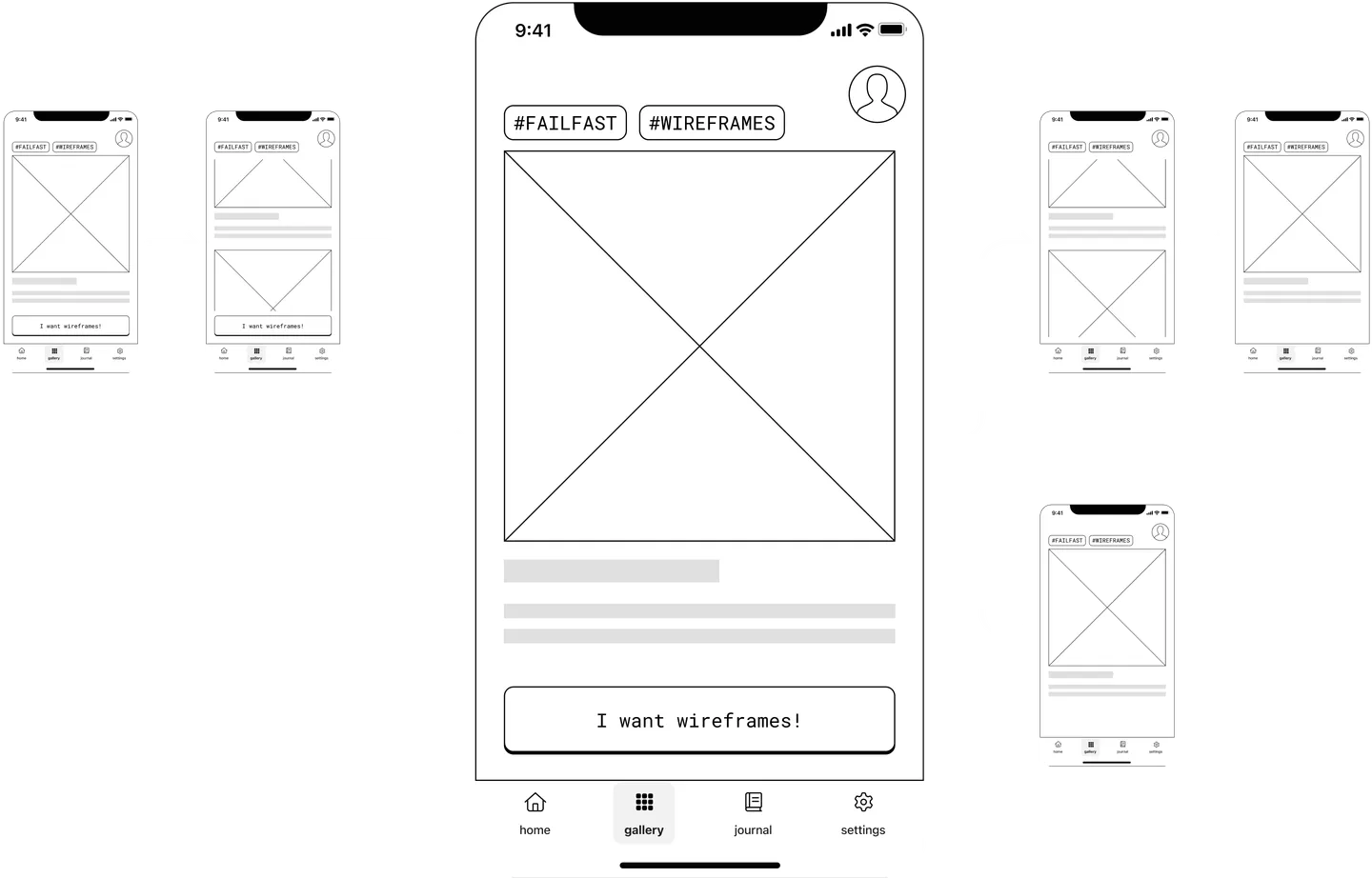
Many problems that occur are not immediately recognised as a UX problem. If you are familiar with any of the problems below, you might benefit from a critical assessment of the UX of your product.
Your customers are receptive to your pitch, but disappear quietly after they first signed up.
Users often can’t find what they need, or do not manage to independently complete basic tasks.
Often the solution is not to provide more explanation, but rather to structurally improve the UX.
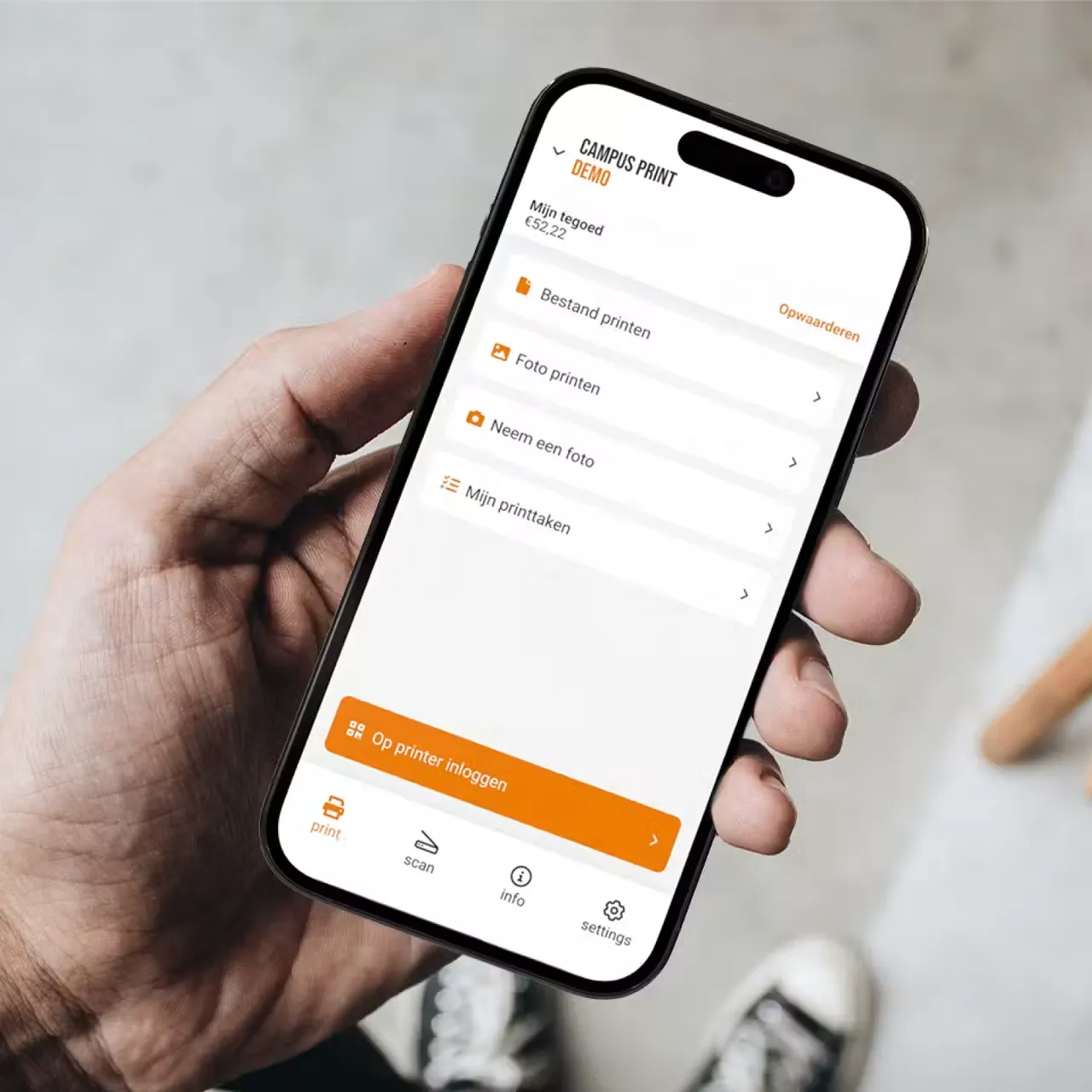

Need to print a document on the go? We enabled students to print e-mails, reports and lecture notes directly from their phone at any printer on campus.
View this case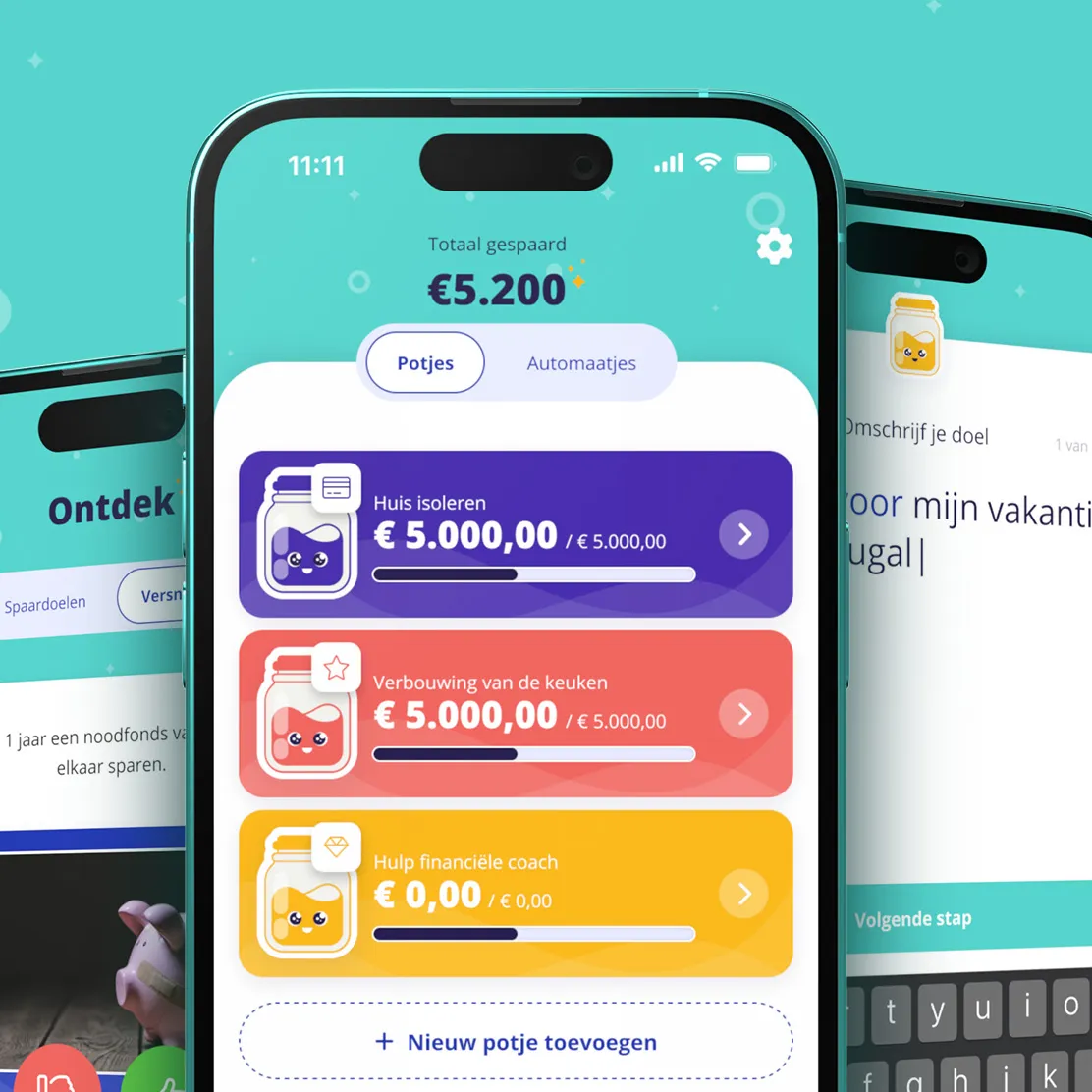

With the Sofie app, you discover savings goals and save for them in a fun way, with a connection to your bank account. We designed and developed the app in Flutter.
View this caseA UX designer focuses on how a product fits with what the user wants to achieve (the substance), while a UI designer focuses on the look and feel of the interface (the appearance). Both roles can be fulfilled by a single person, or deliberately divided over multiple people.
When your product looks outdated or messy but the content is on point, you might benefit from a fresh UI-design. When your product looks amazing, but users still can’t seem to utilise the important features, an improved UX-design can have a substantial impact.
First and foremost, it’s important that users experience their first “aha moment” as quickly as possible, the point where they discover for themselves the value of the product. In a meditation app, for example, this could be successfully listening to an introductory meditation right after installing the app.
Once they’ve experienced the product’s value, we want them to remember the app (and what they set out to achieve with it). There are plenty of tools we can use for this:
Curious about what we can improve in your product’s retention? Schedule a consultation, we’d be happy to think along with you!
First, it’s important to be very clear about which questions the dashboard needs to answer. Anything on the dashboard that doesn’t help answer those questions is a distraction. Different roles therefore often require different dashboards.
The first glance at a dashboard should give a calm, high-level overview, without showing all the details right away. Only when the user zooms in on a component should you reveal additional data. Think of hover effects or tooltips for exact values, click-throughs for a more detailed view, or tabs.
How the data is displayed visually makes a big difference. Make sure you choose the right charts and tables for the data, and that the colors and labels fit. Aim for a good data-ink ratio, meaning you show as few visual elements as possible that aren’t “data.” Charts are often cluttered by unnecessary gridlines, shadows and other decorative details.
It’s also important that the color scheme says something about how the data relates. If a bar chart uses different shades of blue, this communicates an ordinal relationship between the bars (darker usually means more, lighter means less). If completely different colors are used instead, this communicates that the bars are different categories.
To find out what happened it is always best to first talk to users, for example by conducting a user test. Causes that we have often encountered in the projects we take over are:
Do you want to decrease your churn rate, but are you not sure where to start? Schedule a consultation, and we can discuss which approach best suits your situation.
The best approach varies greatly depending on the type of product you’re building. For a product that is relatively simple, resembles other existing products and introduces few new interaction patterns, it works best to focus on a simple, intuitive interface. It’s important to imitate other familiar products as much as possible, so users are already acquainted with the interaction patterns. In such cases, an extensive onboarding isn’t needed, and can even be a nuisance.
If you’re building a highly innovative product with complex features, there may need to be more focus on onboarding. Because users can’t rely as much on the general digital knowledge they’ve built up over time, they first have to learn how this new interface works. Here are a few strategies:
Are your users struggling to get started with your product? Get in touch, and we’ll look together at how to improve this.
A product is considered accessible when everyone can use it, including people with disabilities. For many products, accessibility is a legal requirement in the EU, and compliance is measured against the international standard WCAG 2.2 level AA. To know whether your product meets this standard, you’ll need an audit by a company that specializes in this.
In practice, it’s most efficient to take accessibility into account from the very start of your product’s development. By choosing the right development tools, a developer can already prevent many accessibility issues. If you only consider accessibility at a later stage, it’s often a lot more expensive.
At Dutch Coding Company, we work with tools that are optimized for accessibility as standard for every client. This brings the product to a level where no major changes are needed for full compliance. If you want to go for full compliance with the WCAG 2.2 AA standard, you have an audit carried out, and the findings are then implemented.